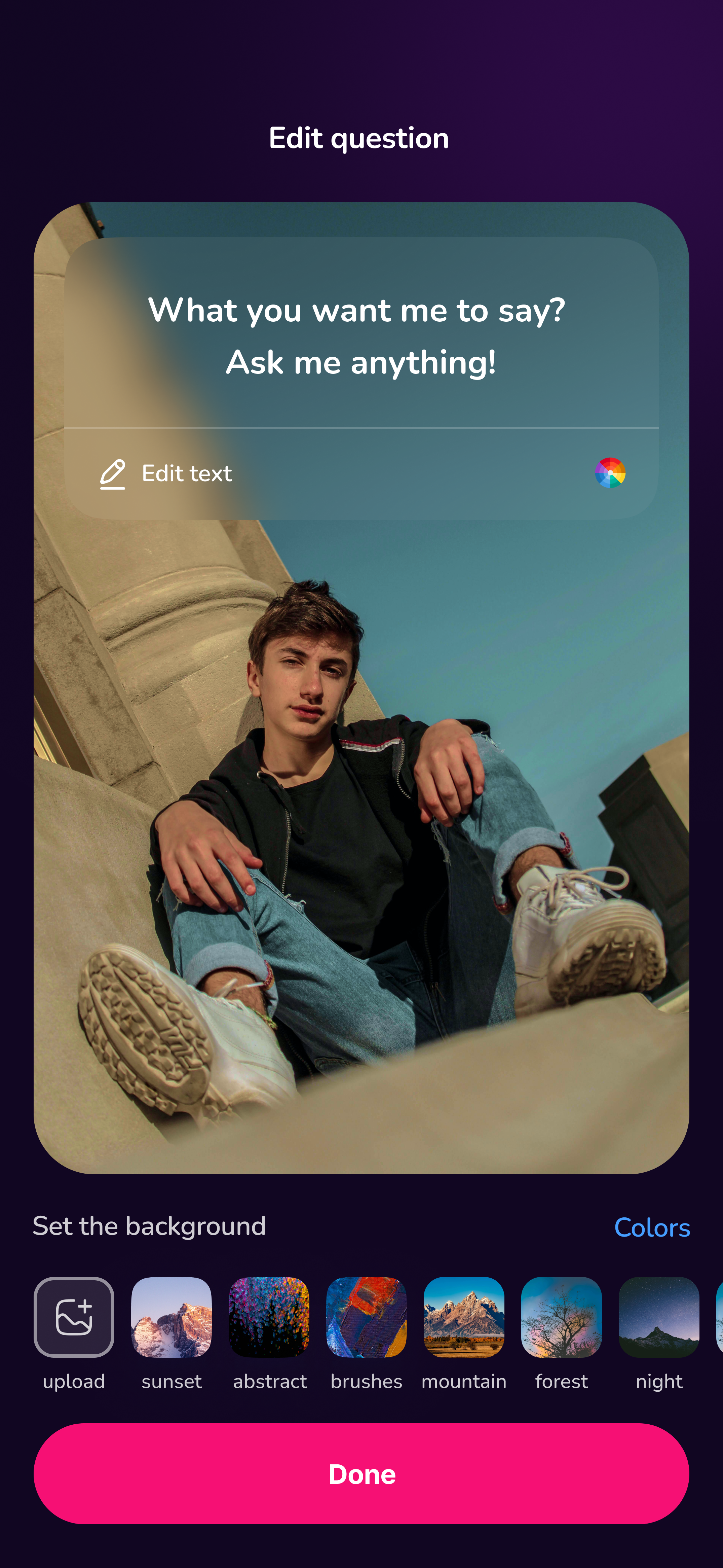
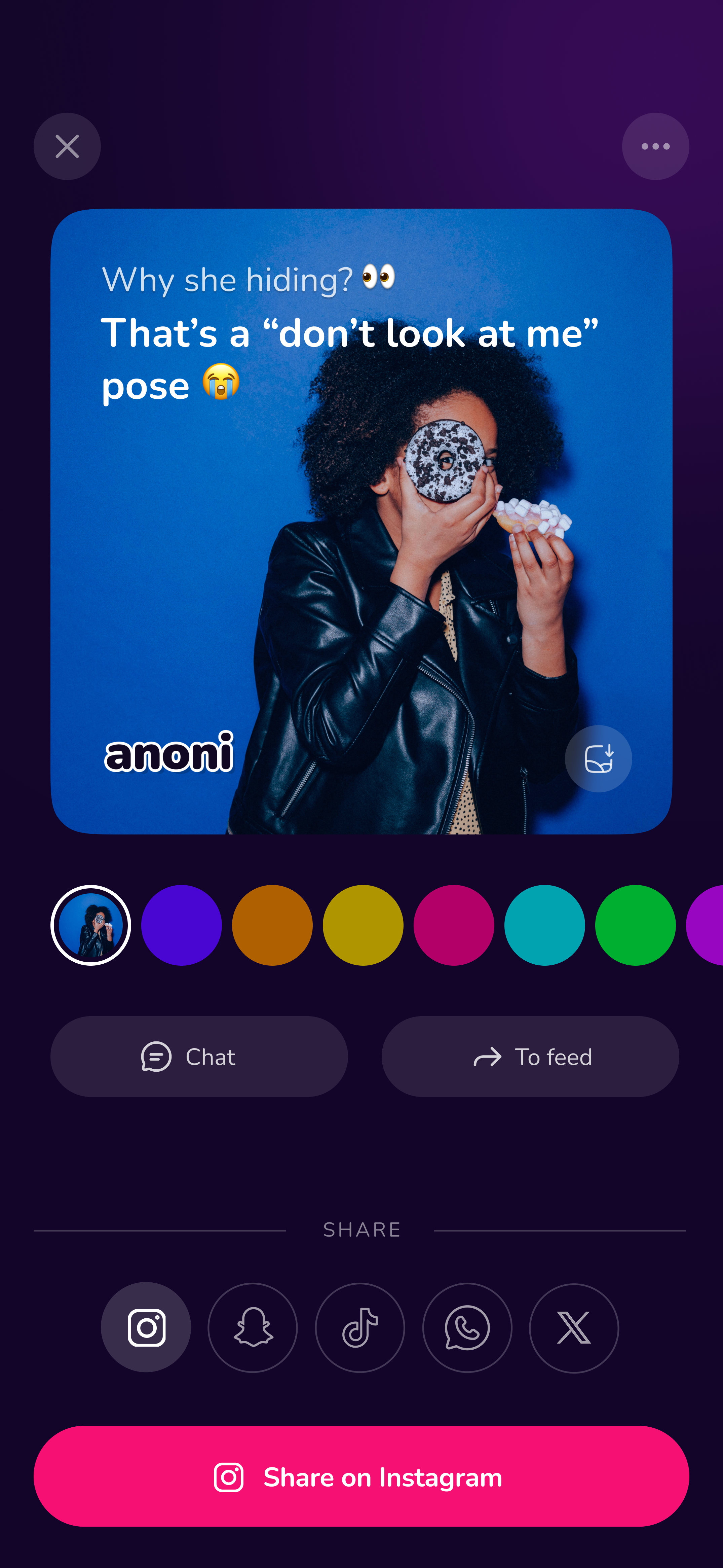
Message & chat.
Stay anonymous.
Nobody knows it's you! 😎

Built for real expression,
without exposure.

A whole new way to connect.
100% anonymous.

Say it, stay anoni.

Feedback
Crush
Q&A
Vibes
Confessions

"Honestly this app is kinda wild. You can send messages anonymously and even keep chatting with the person… Haven't seen anything like this before. Big W."

Ema Yahya • Beta user, Dubai
★★★★★
Spill the tea Truth or dare This or that First impressions Say it anonymously One word answers Rate me honestly Be brutally honest Spill the tea Truth or dare This or that First impressions Say it anonymously One word answers Rate me honestly Be brutally honest

More than just boring one-way messages.

It's not just a one-way message anymore. It's a conversation. Chat anonymously.

Express what you feel,
in a whole new way.

Share thoughts, moods, or vibes and get genuine, unfiltered reactions.

Showcase the best responses you received.

Hold on to the messages that hit different or made you laugh..😄 Share them with the world.

Customize
it to match your vibe.

Chill or chaos.. Nevermind,
express it.

💗 Crush
🔐 Secret confession
🧠 Honest opinion
💣 Thought dump
😏 Lowkey
🔮 Aura
💬 Feedback
Q&A
🕶️ Anoni vibes
Vibes
💗 Crush
🔐 Secret confession
🧠 Honest opinion
💣 Thought dump
😏 Lowkey
🔮 Aura
💬 Feedback
Q&A
🕶️ Anoni vibes
Vibes

Whether you're feeling calm or all over the place, say what's on your mind. Share thoughts, moods, or reactions without overthinking. Everything stays anonymous.

Try it now

More ways to say more.

WHAT THEY SAY

People it.

How to share it on Instagram

Open Instagram, tap "+" → Story, and add your photo. Tap the sticker icon, choose Link, paste your URL, then tap Done. Adjust the sticker, tap Share, and your story will go live with a clickable link.

Instagram
How to share it on TikTok

Open TikTok, tap the Share arrow on the video, choose where you want to share it, and tap Send or Post.

TikTok
How to share it on Snapchat

Open Snapchat, create or upload a snap, tap the Link icon, paste your URL, then share it with friends or to your story.

Snapchat
How to share it on WhatsApp

Open WhatsApp, tap Chats or Status, paste the link into the message or status, add text if needed, and tap Send.

WhatsApp
X
How to share it on X (Twitter)

Open X, tap the compose button, paste your link into the tweet, add a caption if you'd like, and tap Post.

Threads
How to share it on Threads

Open Threads, tap the compose button, paste your anoni link, write something to go with it, and tap Post.